HPA components version and client customized configuration information are visible in this screen
Data are synchronously captured when the screen is displayed.
It is useful when troubleshooting HPA and your environment and/or when needing details about HPA product
Agents
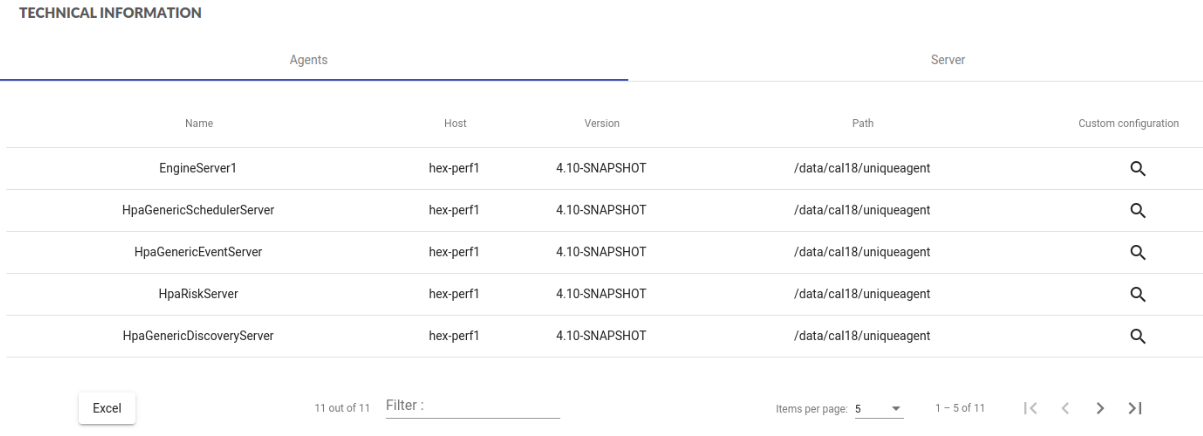
This screen displays information about running agents:
- name of the agent as defined during agent deployment
- host
- version
- absolute path of the agent in the host
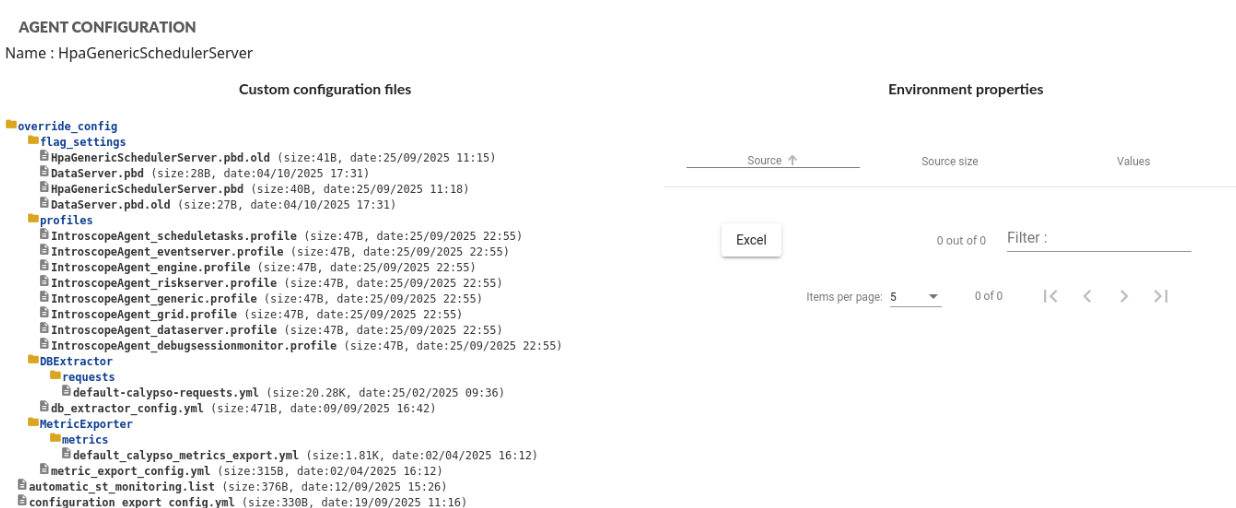
Clicking on  displays content of agent’s
override_config directory used to override default agent configuration, and relevant environment properties:
Server
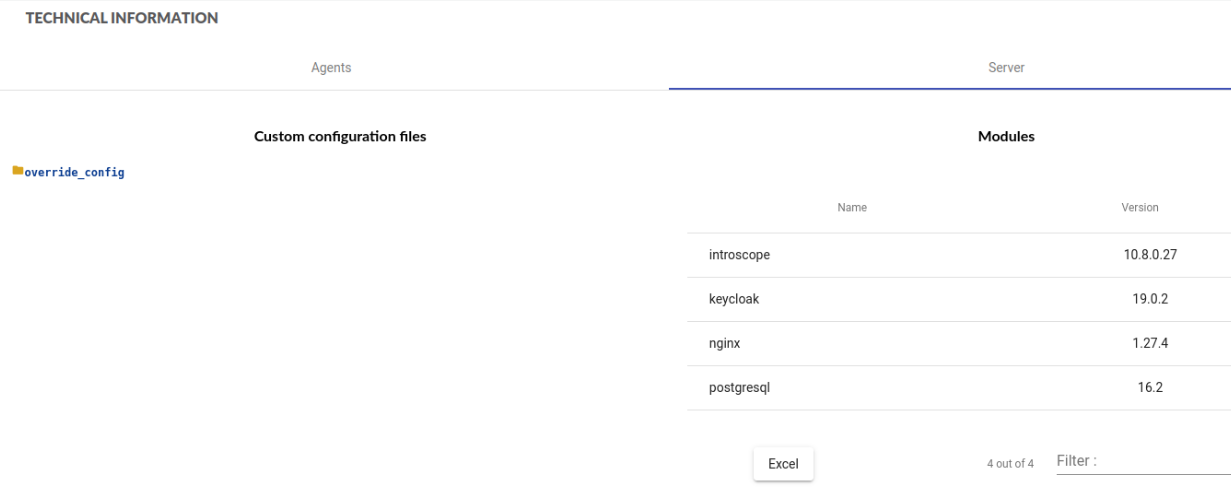
This screen displays content of server’s override_config directory used to override default server configuration, and versions of some of the HPA modules:
- Introscope - metrics storage and alerting mechanism
- Keycloak - IAM
- Nginx - web server
- Postgresql - HPA database
Download configuration file
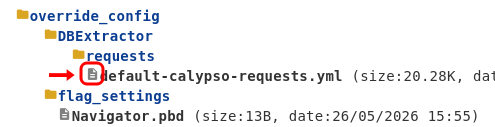
For each agent and for the server, you can download the configuration files, just by clicking the icon before each filename.
This service is enabled by default and its contents may be overridden by creating override_config/configuration_file_service.yml:
- on the HPA server
- on each agent
This service only serves files located in HPA’s override_config or default_config.
configuration_file_service.yml
Variables
- enabled: true/false (default: true)
- allowedExtensions: List of allowed file extensions.
- maxFileSize: Maximum size in bytes (default: 1048576, being 1MB)
File example
enabled: true
allowedExtensions:
  - txt
  - config
  - properties
  - pbd
  - cst
  - log
  - yml
  - groovy
  - profile
maxFileSize: 1048576