Description
When upgrading to version 2024.01.01, a role mapper is missing and can not be created automatically.
Here are the steps to add this role mapper that forwards user group to portal.
Fresh installation do not need to do this.
Upgrading steps
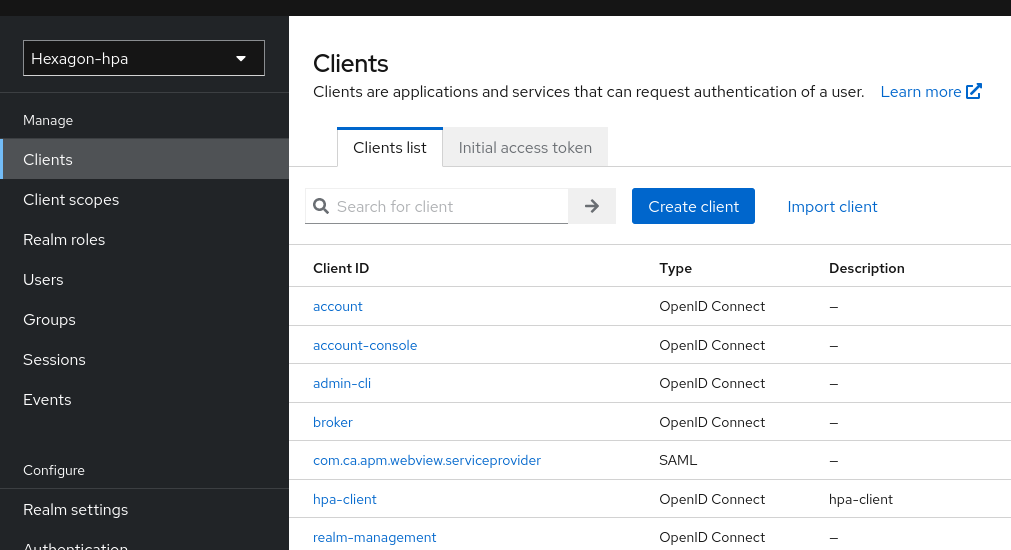
Open hpa-client
Go to Keycloak > Realm Hexagon-Hpa > Clients > hpa-client
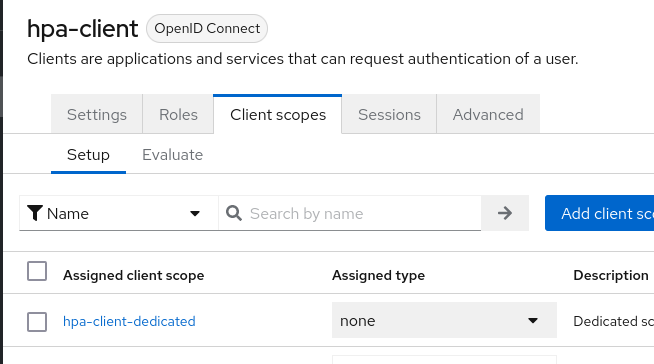
Open client scopes
Then goto to Client scopes > hpa-client-dedicated
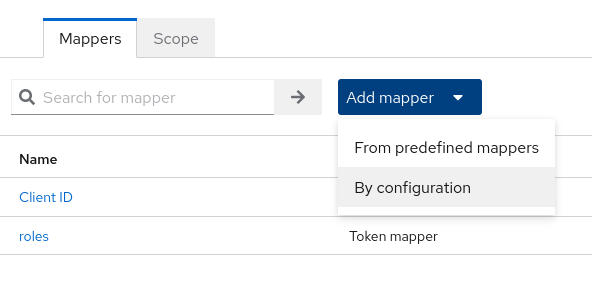
Create role mapper if not exists
If roles mapper does not exist, create it by clicking on Add mapper > By configuration
Select User Realm Role

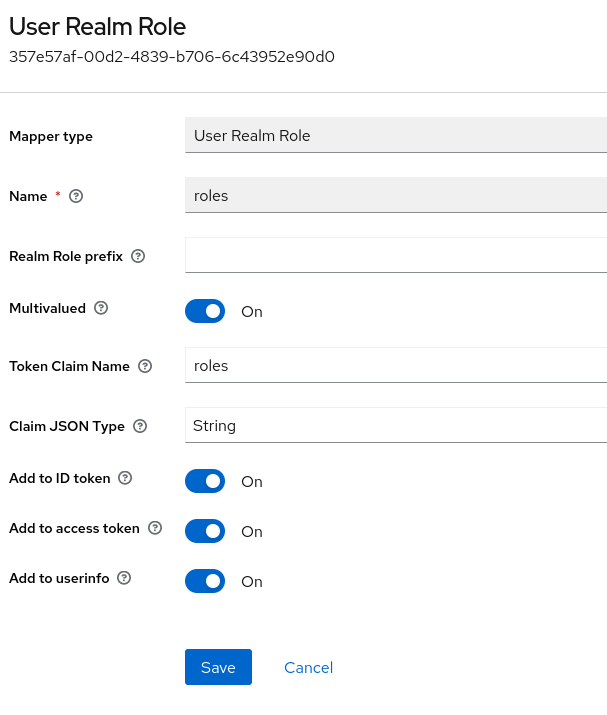
Fill it as follow and save :
- Name : roles
- Token claim name : roles